Since late 2024, choosing an iMac has seemed straightforward: Apple offers just one size, a 24-inch all-in-one built around the M4 chip. Yet, between buying new—starting at €1,499—and refurbished, where an M1 model can be found from around €840–€850, there are many trade-offs to consider. Several of them are irreversible, as nothing can be upgraded inside the machine after purchase.
This guide reviews the criteria that truly matter in November 2026: screen size, processor, release year, RAM, and storage. We will then explore alternatives for those not sold on the 24-inch form factor, before breaking down the key checkpoints for buying a refurbished iMac—often the best value for money.
Sommaire
- Screen Size: The 24-Inch Form Factor, a Single Size to Weigh Carefully
- Processor: M4, M3, or M1, What Is the Real-World Difference?
- Release Year: Benchmarks and Compatibility
- RAM and Storage: Choices You Cannot Change Later
- Alternatives if 24 Inches Isn't Enough
- Buying Refurbished: The Most Rational Option?
- Our Recommendations by User Profile
- Conclusion
Apple iMac (Apple M4, 2024) au meilleur prix


Screen Size: The 24-Inch Form Factor, a Single Size to Weigh Carefully
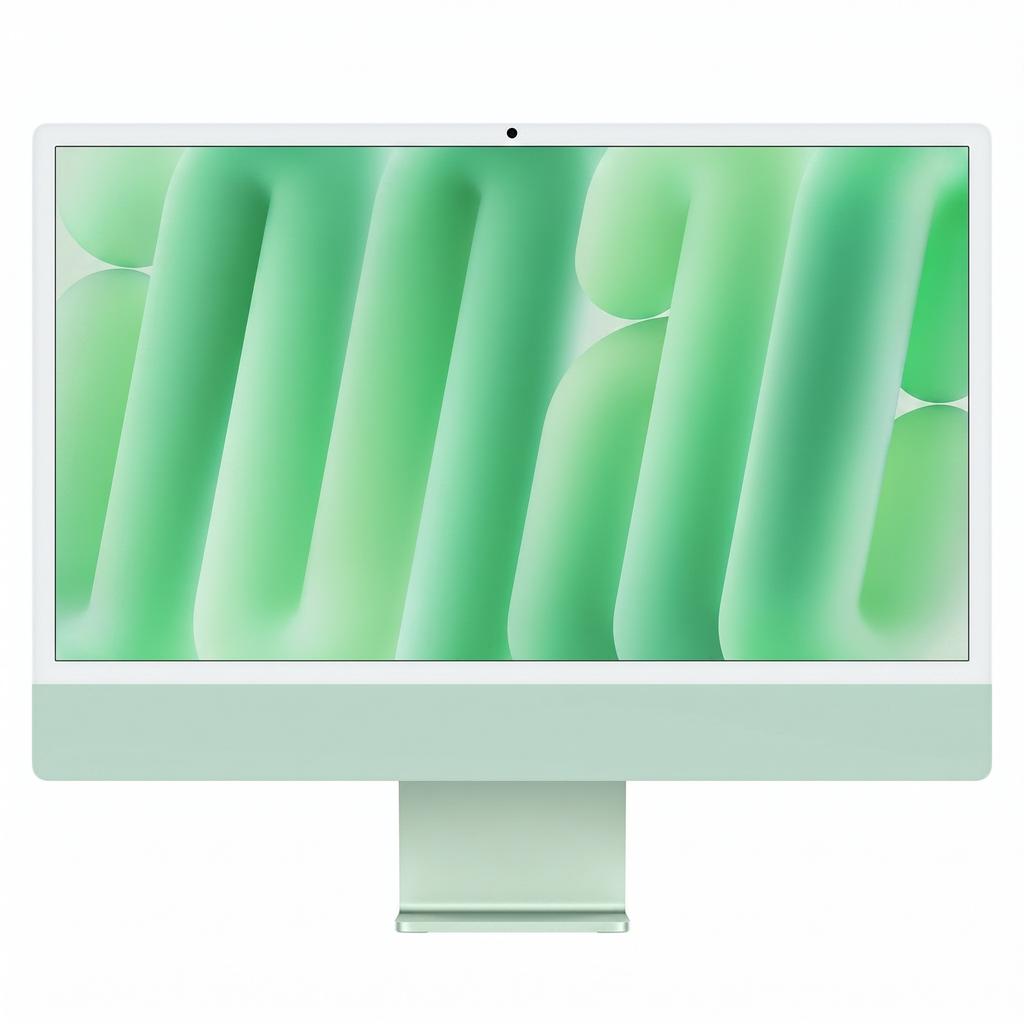
First thing to keep in mind: there is no longer a 27-inch or 32-inch iMac in the lineup. The entire current range relies on a 24-inch 4.5K Retina panel. In practice, the actual screen diagonal is 23.5 inches, with a resolution of 4480 x 2520 pixels, according to the review by Les Numériques. Their lab measured a Delta E of 1.2—very low, indicating faithful color reproduction—alongside a peak brightness of 498 cd/m².
This panel is well suited for office work, video conferencing, everyday photo editing, or light video editing. However, it becomes limiting if you constantly juggle multiple timeline windows, tool palettes, and documents. Keep a few physical characteristics in mind as well: the chassis is just 1.1 cm thick and weighs 4.44 kg, but the stand offers no height adjustment. If your desk setup requires a higher screen, you will need a stand riser or a VESA mount.
Standard or Nano-Texture Glass?
Apple offers optional matte nano-texture glass, which significantly reduces glare. According to Apple's press release, this option is reserved for 10-core configurations. It is well worth the upgrade in a very bright room facing a window, but remains unnecessary in an office with controlled lighting. Note that the front-facing camera features a 12MP sensor with Center Stage, a clear improvement for video calls.
Processor: M4, M3, or M1, What Is the Real-World Difference?
The M4 chip serves as the benchmark when buying new. Les Numériques measured an 18% to 20% performance uplift over the M3 generation in both computing and graphics. This is noticeable during video exports or heavy workloads, but much less so for standard web browsing and document editing. The dual-fan cooling system remains unobtrusive, clocking in at 33.5 dB under heavy load.
Two tiers of the M4 iMac coexist:
- Base model: 8-core CPU, 8-core GPU, 256GB SSD, and 2 Thunderbolt / USB 4 ports, starting at €1,499.
- Higher-tier model: 10-core CPU, 10-core GPU, 4 Thunderbolt 4 ports, Gigabit Ethernet built into the power brick, and Magic Keyboard with Touch ID, starting at €1,749.
For most day-to-day needs, the 8-core version is plenty powerful. The €250 price difference is mainly justified if you need the four ports, Touch ID, or the matte glass option. A concrete example on Reepeat: the PC Tout-En-Un Apple iMac 24 M4 8 Coeurs 16Go 256Go SSD Gpu 8 24 pouces Macos Rose matches this exact entry configuration with 16GB of memory.
Release Year: Benchmarks and Compatibility
The release year primarily dictates expected software lifespan. Three Apple Silicon generations are worth considering:
- iMac M1 (2021): It remains very capable for office productivity, browsing, video calls, and everyday photo editing, according to repair workshop MacPower.
- iMac M3 (2023): A noticeable step up in performance, often attractive when found at a price close to the M1.
- iMac M4 (2024): The only model offering 16GB of memory as standard and the 12MP Center Stage camera.
Conversely, Intel-based iMacs (2017 to 2020) should be avoided. According to the buyer's guide by Refurb.me, they are cut off from recent macOS releases and no longer receive core system support. Their floor price of around €800 does not justify this dead end, especially when refurbished M1 models cost barely any more. Apple Silicon models (M1, M3, M4), on the other hand, guarantee significantly longer OS compatibility.
One drawback of the M4 generation is worth noting: wireless connectivity stops at Wi-Fi 6E and Bluetooth 5.3, with no Wi-Fi 7 support. For current home routers, this is hardly a dealbreaker today, but it illustrates a machine that is more iterative than revolutionary, as summarized in the headline of Les Numériques' review.
RAM and Storage: Choices You Cannot Change Later
This is the most critical takeaway of this guide. On an iMac, unified memory and SSD storage are soldered to the logic board. Consequently, upgrading them later is impossible, as both Refurb.me and MacPower remind buyers. The configuration you pick at purchase is the one you will keep until you sell or retire the machine.
RAM: 16GB as the Minimum Baseline
Apple put an end to a longstanding criticism with the M4, which includes 16GB of unified memory out of the box, configurable up to 32GB. For refurbished units, the logic reverses: an 8GB M1 model quickly shows its limits with numerous browser tabs, multiple background apps, or heavy multitasking workflows. If you value longevity, target 16GB models. If you work with large photo catalogs, video editing, or virtualization, a new machine configured with 24GB or 32GB is a much safer investment—provided you are willing to pay the premium.
SSD Storage: 256GB, an Entry Level That Fills Up Fast
Storage can be configured up to 2TB on the M4. The entry-level 256GB covers basic needs for light use, but fills up rapidly with a photo library, video footage, or large application suites. You have two viable strategies:
- opt for 512GB from the start, which is more comfortable and easier to resell later;
- stick with 256GB and add an external USB-C drive, an approach recommended by MacPower for M1 users hitting storage limits.
External drives work well for cold archives, but much less seamlessly for an active system where you want everything readily available. For an iMac intended to last five to seven years, 512GB of SSD storage and 16GB of RAM represent the sweet spot.
Alternatives if 24 Inches Isn't Enough
When you need more screen real estate or modular, upgradeable parts, the iMac is no longer the right solution. Blog Nouvelles Technologies points out the same constraints: a display locked at 24 inches and non-replaceable soldered components.
Mac mini and a Separate Display
To stay within macOS while enjoying a 27-inch or larger display, pairing a Mac mini (M4 or M2) with an external monitor is the natural alternative—often more budget-friendly and modular. The structural advantage is clear: your display does not become obsolete at the same time as the computer. You can upgrade one without touching the other. On the monitor side, the Apple Studio Display 27 Retina 5K Verre Nano-Texturé represents the first-party setup, though more affordable third-party 4K or 5K displays remain excellent options.
Large-Screen Windows All-in-Ones
On the PC side, two options stand out for large screen real estate:
- Lenovo Yoga AIO 9i: A 32-inch UHD 4K panel, engineered for expansive multimedia use.
- HP Envy 34: A 34-inch 5K Ultrawide display, user-upgradeable RAM and storage, plus dedicated Nvidia graphics.
The HP Envy 34 is one of the rare all-in-one PCs to offer both an ultrawide screen and genuine upgrade potential. In return, you step outside the Apple ecosystem, leaving behind its dedicated apps and seamless continuity with iPhone and iPad.
Buying Refurbished: The Most Rational Option?
A refurbished M1 iMac can be picked up from €840–€850 according to Refurb.me, roughly half the cost of a higher-end M4. For office tasks, video calls, browsing, and everyday photo editing, it is an outstanding compromise. Here are the essential checkpoints not to overlook:
- RAM: Steer clear of 8GB models if you want to keep the machine long-term, as no upgrade is possible.
- Ports: Prioritize the 4-port model (2 Thunderbolt and 2 USB-C ports, with Ethernet integrated into the power supply) over the stripped-down 2-port version, as advised by MacPower.
- The 4.5K display: Inspect for dead pixels and panel burn-in, ideally with the screen turned on displaying solid white and black backgrounds.
- Accessories: Ensure the original keyboard and mouse are included in the box, as some refurbishers leave them out. They will feature USB-C or Lightning depending on the release year.
- Warranty and cosmetic grade: Require both to be explicitly stated prior to purchase.
Within this segment, the Apple iMac 24 M1 represents the logical entry point. It delivers Apple Silicon compatibility, an aesthetic identical to newer generations, and a much gentler price point than brand-new units. If you spot an M3 model at a comparable price, it is worth preferring for its extra performance headroom.
Our Recommendations by User Profile
- Tight budget, everyday tasks: A refurbished M1 iMac, 16GB of RAM if possible, 4-port version.
- New machine, versatile productivity: The 8-core M4 iMac, 16GB of RAM, ideally paired with a 512GB SSD.
- Creative workflows, bright workspace: The 10-core M4 iMac, with nano-texture glass and expanded unified memory.
- Need a larger macOS screen: A Mac mini paired with a Studio Display or a third-party 4K/5K monitor.
- Need upgradeability under Windows: An HP Envy 34 or Lenovo Yoga AIO 9i, depending on your preferred screen size.
Conclusion
In 2026, choosing the right iMac comes down less to raw processing power than to a well-balanced configuration. Because every component is soldered, it is better to sacrifice a bit of CPU power than RAM or internal storage: 16GB of RAM is an absolute minimum, and a 512GB SSD offers genuine comfort. The M4 is the uncompromising pick when buying new, but a refurbished M1 remains remarkably compelling as long as you double-check the RAM, ports, display condition, and bundled accessories. And if 24 inches feels too tight, don't force it: a Mac mini paired with a quality external monitor will serve you much better in the long run.
