For years, Surface ultraportables won users over with their design and 3:2 displays, but they frequently disappointed in one critical area: battery life. Switching to Qualcomm Snapdragon X ARM chips has been a true game changer. Independent lab tests show clear battery longevity gains without sacrificing everyday responsiveness. In 2026, the lineup is much clearer than before: two flagship Snapdragon models leading the way, an Intel-powered creative workstation, an entry-level option, and older generations that have become especially attractive on the secondhand market.
This buying guide is designed for value-conscious shoppers. We review six models based on lab testing from Les Numériques and Frandroid: what they excel at, their real limitations, and when they are worth buying new or, more often, refurbished. As a trade-in and resale comparison platform like Reepeat, the question is not just finding the absolute best Surface, but identifying which one delivers the right balance for the price you are willing to pay.
Sommaire
- Why Snapdragon Surface devices changed the game
- Surface Laptop 7: The benchmark ultraportable
- Surface Pro 11: The ultimate 2-in-1 tablet PC
- Surface Laptop Studio 2: The creator’s workstation
- Surface Laptop Go 3: Compact, yet compromised
- The refurbished sweet spot: Surface Pro 9 and Surface Laptop 5
- Which Surface matches your needs?
- Buyer’s advice before purchasing, especially refurbished
- Conclusion


Why Snapdragon Surface devices changed the game
The primary leap forward in the current lineup comes down to architecture. Recent consumer Surface devices run on Snapdragon X Elite and X Plus processors, whereas previous generations relied on 12th-generation Intel Core chips. In its lab comparison, Les Numériques recorded a 67% increase in the CPU computing index between the Surface Laptop 5 (Core i5-1235U) and the Surface Laptop 7 powered by Snapdragon X Elite.
The improvement in battery life is even more striking. The Surface Laptop jumps from 6 hours and 41 minutes on model 5 to over 13 hours on model 7. The Surface Pro 11 lasts 11 hours and 58 minutes during video playback, compared to just 6 hours and 22 minutes for the Intel-based Surface Pro 9. Microsoft also increased battery capacities: from 47 to 53 Wh on the Surface Pro (+13%) and from 45.8 to 54 Wh on the 13.8-inch Surface Laptop (+18%). Chip efficiency handles the heavy lifting, but the larger batteries definitely help.
Then there is software compatibility. Windows 11 includes the Prism emulator, which runs x86 apps smoothly in most scenarios, a point highlighted by the same testing lab regarding the 24H2 update. Limitations lie elsewhere: the integrated Adreno GPU falls short for demanding video games, and certain specialized peripheral drivers or anti-cheat software can cause issues. Before purchasing, anyone relying on proprietary business software or legacy peripherals should verify ARM compatibility beforehand.
Surface Laptop 7: The benchmark ultraportable
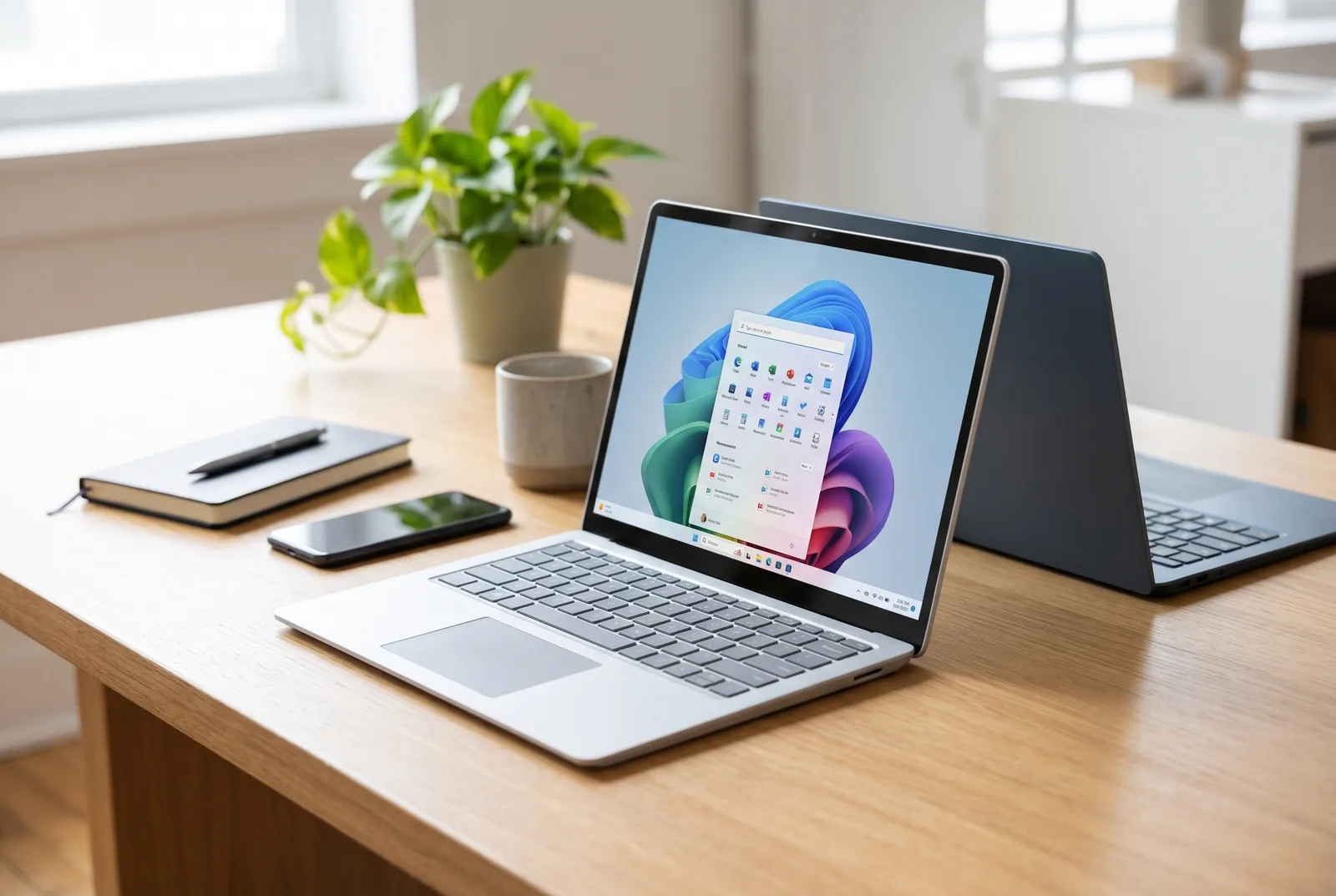
The Surface Laptop 7 is our top recommendation for standard use: office tasks, web browsing, video calls, and studies. It comes in 13.8-inch and 15-inch sizes. The buying guide from Les Numériques ranks it first, pitching it as a direct competitor to the MacBook Air thanks to the Snapdragon X Elite chip.
Frandroid, which evaluated the 15-inch model (Snapdragon X Elite X1E-80-100, 16 GB LPDDR5x RAM, 512 GB SSD) in its review, awarded it a 9/10. The highlighted strengths include:
- PixelSense Flow IPS display at 2496 x 1664 pixels with a 3:2 aspect ratio, 120 Hz, peak brightness measured at 616 cd/m², 100.7% DCI-P3 coverage, and an average Delta E of 0.71.
- Battery life lasting 14 to 15 hours during office tasks, powered by 54 Wh (13.8-inch) or 66 Wh (15-inch) batteries.
- Charging via USB-C Power Delivery or the Surface Connect port.
- Modern connectivity featuring Wi-Fi 7, according to Les Numériques.
The downsides are familiar. The RAM is soldered, meaning you must choose the right configuration upfront—we recommend aiming for 16 GB. The SSD caps out at 3,627 MB/s in sequential read speeds, which is perfectly adequate for office productivity but trails high-end rivals. The guide from Les Numériques also notes the lack of an anti-reflective coating and the continued presence of the proprietary Surface Connect port. Lastly, the integrated graphics cannot handle graphically intensive gaming.
As for pricing, launch figures cited by Frandroid stood at €1,199 for the 13.8-inch model (Snapdragon X Plus, 16 GB RAM, 256 GB SSD) and €1,549 for the 15-inch variant. Those were launch prices: in 2026, make sure to check current pricing, both new and refurbished, before making up your mind.
Surface Pro 11: The ultimate 2-in-1 tablet PC
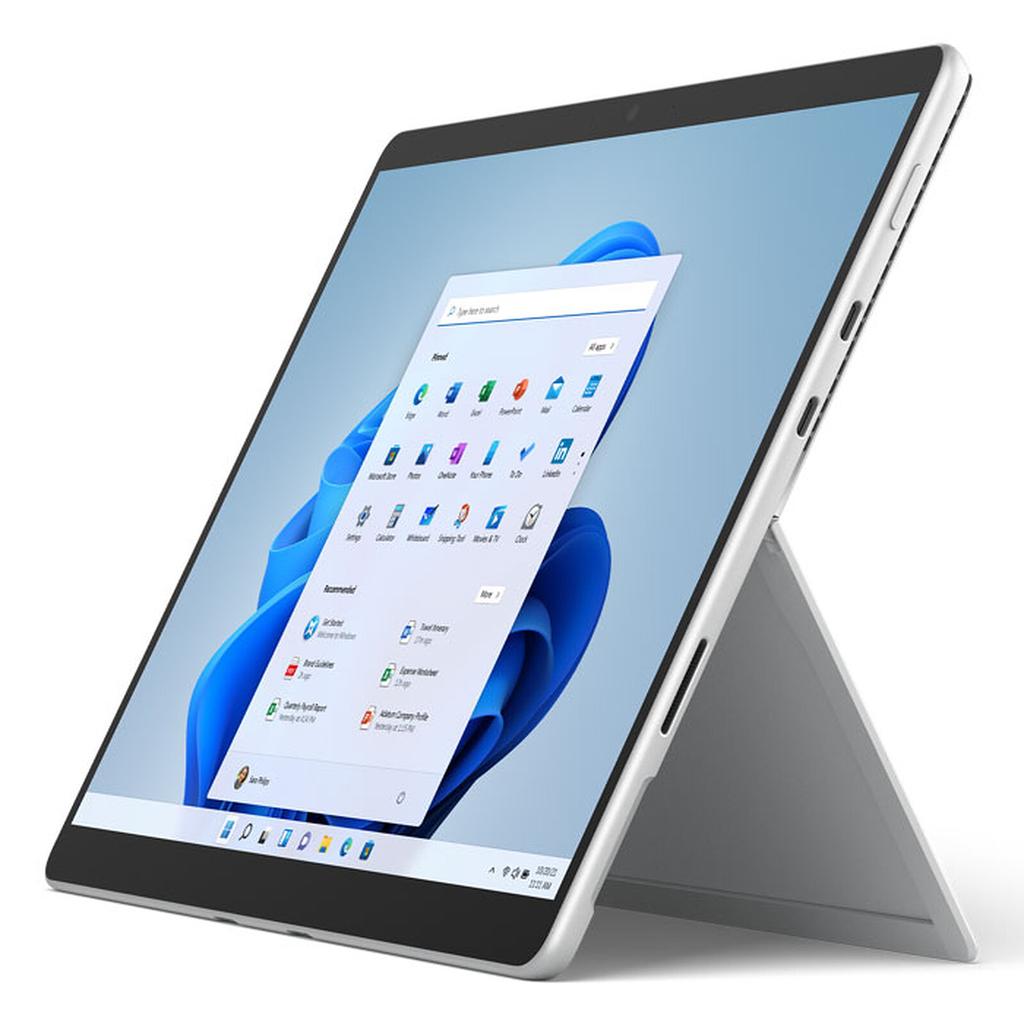
For anyone seeking a device that transitions seamlessly from tablet to laptop, the Surface Pro 11 remains the gold standard. In its bench test, Les Numériques praises the portable form factor weighing just 900 g for the tablet alone (around 1.2 kg with the keyboard attached) alongside solid productivity performance.
Its standout feature is the 13-inch touch OLED panel (2880 x 1920 pixels, 120 Hz), reserved for Snapdragon X Elite configurations. Testing revealed 592 cd/m² in SDR, peaks of 900 cd/m² in HDR, an average Delta E of 1.3, and zero ghosting. Frandroid measured 112% coverage of the DCI-P3 spectrum in its test. Real-world battery life hovers around 12 hours for browsing and office work, reaching up to 14 hours during video playback. The device offers two USB4 USB-C ports with Power Delivery support, but ditches the 3.5 mm headphone jack.
The keyboard pitfall
The keyboard is sold separately. The Surface Pro Flex keyboard, which can be detached and used over Bluetooth or snapped onto the tablet, retails for €409 according to Frandroid, which strongly criticizes this pricing. It remains backward compatible going back to the Surface Pro 8. If buying refurbished, always check whether the keyboard and stylus are bundled: that is often where the real price gap lies. Les Numériques also notes that the glossy panel is prone to glare.
Surface Laptop Studio 2: The creator’s workstation
The Surface Laptop Studio 2 steps away from the ARM route, which is precisely its biggest selling point. It targets graphic designers, digital illustrators, and video editors who require dedicated graphics and native x86 compatibility. In the review by Les Numériques, the tested configuration combined an Intel Core i7-13700H (14 cores, 45 W TDP) with an Nvidia GeForce RTX 4060 (80 W TGP).
- Screen: 14.4-inch touchscreen IPS, 3:2 ratio, 2400 x 1600 pixels, 120 Hz, 492 cd/m², Delta E of 0.9. It tilts forward into an easel mode ideal for digital drawing.
- Storage: A very fast SSD, reaching close to 7 GB/s in read speeds.
- Connectivity: Two Thunderbolt 4 USB-C ports and one USB-A port.
- Repairability: A score of 6.8/10.
The trade-offs are obvious: 1.9 kg in weight, 22 mm in thickness, and only 7 hours and 52 minutes of battery life from its 57 Wh battery. That is roughly half the endurance of a Surface Laptop 7. This machine is an easel-style transportable workstation, not an everyday featherweight ultraportable. Its high retail price makes it a prime candidate for buying refurbished, provided you inspect the health of both the hinge mechanism and the battery.
Surface Laptop Go 3: Compact, yet compromised
The Surface Laptop Go 3 charms with its 1.1 kg weight, 12.4-inch 3:2 touchscreen, and premium build quality. However, Les Numériques, in its review, finds it hard to justify for its launch price, which sat between €899 (8 GB/256 GB) and €1,149 (16 GB/256 GB).
The compromises are tangible:
- a resolution capped at 1536 x 1024 pixels (149 ppi);
- an Intel Core i5-1235U throttled to 15 W;
- battery life measured at 5 hours and 4 minutes in video and roughly 6 hours in office tasks, using a modest 39 Wh battery;
- a keyboard lacking backlighting;
- an 8 GB RAM baseline, with older 4 GB options thankfully retired.
For a student prioritizing compact portability and a comfortable typing experience, it can work, but only at a substantial discount compared to new pricing. At an equivalent budget, a refurbished Surface Laptop 7 offers far superior battery endurance and performance.
The refurbished sweet spot: Surface Pro 9 and Surface Laptop 5
Pre-owned marketplaces shine brightest when looking at previous hardware generations. The Surface Pro 9 (available with 12th-gen Intel Core or ARM SQ3 processors) and the Surface Laptop 5 remain very capable machines for everyday remote work. Our market tracking reveals price drops ranging from 30% to 50% in the refurbished space. This is a general benchmark that fluctuates according to cosmetic condition, specs, and vendor: always check real-time offers to verify.
The trade-off is clear from the benchmarks shared above. The Surface Laptop 5 (Core i5-1235U) delivers 6 hours and 41 minutes of battery life compared to over 13 hours on its successor, while the Intel Surface Pro 9 tops out at 6 hours and 22 minutes of video playback versus 11 hours and 58 minutes for the Pro 11. Their original batteries—45.8 Wh on the Laptop 5 and 47 Wh on the Pro—are also noticeably smaller. On the flip side, they run Windows 11 with native x86 compatibility without needing emulation, which offers peace of mind for users of older software.
Intel vs. ARM on the Pro 9?
If you have your sights set on a Surface Pro 9, verify the exact model. The Intel version guarantees maximum software and accessory compatibility, whereas the SQ3 variant is ARM-based and may run into the same driver hurdles as newer Snapdragon models without offering their dramatic efficiency gains. When in doubt, the Intel model is the safer bet for business needs.
Which Surface matches your needs?
- Productivity, studies, remote work: Surface Laptop 7, for its exceptional battery life and display quality.
- Mobility and digital note-taking: Surface Pro 11 OLED, factoring in the added cost of the keyboard.
- Graphic design and digital art: Surface Laptop Studio 2, for its dedicated GPU and versatile tilting display.
- Tight budget: Refurbished Surface Pro 9 or Surface Laptop 5.
- Maximum portability: Surface Laptop Go 3, provided it is deeply discounted.
If demanding PC gaming is a priority, no Snapdragon Surface will suffice: the integrated Adreno GPU and anti-cheat barriers will hold you back. The Laptop Studio 2 is the only capable choice in the lineup for this purpose, albeit with significantly lower battery endurance.
Buyer’s advice before purchasing, especially refurbished
A few quick checks will prevent most unpleasant surprises:
- Specifications: Because RAM on the Laptop 7 is soldered, do not settle for less than 16 GB if you multitask heavily, and aim for at least 256 GB of storage.
- Battery health: On a device between two and four years old, the battery is the main factor in reduced runtime. Inquire about the charge cycle count or look for a warranty covering battery capacity.
- Included accessories: Are the keyboard, stylus, and charger included? On a Surface Pro, buying the keyboard separately can add several hundred euros.
- Ports and inputs: While the Surface Connect port remains on recent iterations, USB-C lets you charge with standard accessories. Keep in mind there is no headphone jack on the Pro 11.
- ARM compatibility: Test or verify must-have work software and legacy peripherals before committing to a Snapdragon laptop.
- Warranty and returns: A reliable warranty and return policy are just as critical as the listed price tag.
If upgrading from an older machine, consider trading it in: comparing trade-in valuations can help offset a meaningful portion of your next purchase.
Conclusion
In 2026, the standout Surface for most users is the Surface Laptop 7: it brings together long battery life, a bright, color-accurate display, and refined craftsmanship. The Surface Pro 11 OLED appeals to those wanting a true 2-in-1 hybrid, as long as you account for the separate keyboard purchase. The Laptop Studio 2 remains the sole viable option for power-hungry creative pros, while the Laptop Go 3 only makes sense when heavily marked down.
Going refurbished is the smartest way to lower costs: the Surface Pro 9 and Surface Laptop 5 still handle Windows 11 and everyday workloads smoothly, albeit with shorter battery longevity. Compare current deals, inspect battery health and included accessories, and pick a model matched to your actual workflow rather than raw specs.
