Between affordable Vivobooks, ultra-thin Zenbooks, gaming-focused ROG Zephyrus models, and rugged TUF Gaming laptops, Asus’s lineup can seem crowded. In 2026, however, the Taiwanese brand clarified its strategy: OLED displays widely adopted across the mid-range and high-end tiers, materials like Ceraluminum (a scratch-resistant ceramic-aluminum hybrid), and next-generation chips from Intel (Lunar Lake, Core Ultra), AMD (Ryzen AI 9), and Nvidia (GeForce RTX 40 and 50 series).
Our selection goes beyond just listing spec sheets. Drawing on reviews from tech publications, we highlight standout models for each use case, evaluating which ones are worth buying new and which become truly appealing refurbished, where depreciation is steepest. On Reepeat, this balance between the latest generation and previous iterations often makes all the difference.
Sommaire
- The Asus Lineup in 2026: Who Is It For?
- Ultraportables: Zenbook S, Benchmarks for Battery Life
- Zenbook Duo: Dual-Screen Productivity
- Budget: Vivobook S, Accessible OLED
- Gaming and Creation: ROG Zephyrus, TUF, and ProArt
- Common Drawbacks on Asus Laptops
- New vs. Refurbished: How to Decide?
- Our Selection at a Glance
- Conclusion: Choose by Use Case, Not Just the Spec Sheet
The Asus Lineup in 2026: Who Is It For?
Asus segments its lineup fairly clearly, as detailed in the Les Numériques buying guide. Vivobooks target everyday office tasks and the entry-level market, with a Vivobook Pro variant for creators. Zenbooks focus on ultraportability, lightweight design, and long battery life. For gaming, ROG models cater to users who want zero compromises, while TUF Gaming strikes a balance between features and price. Finally, ProArt laptops are designed for creative professionals.
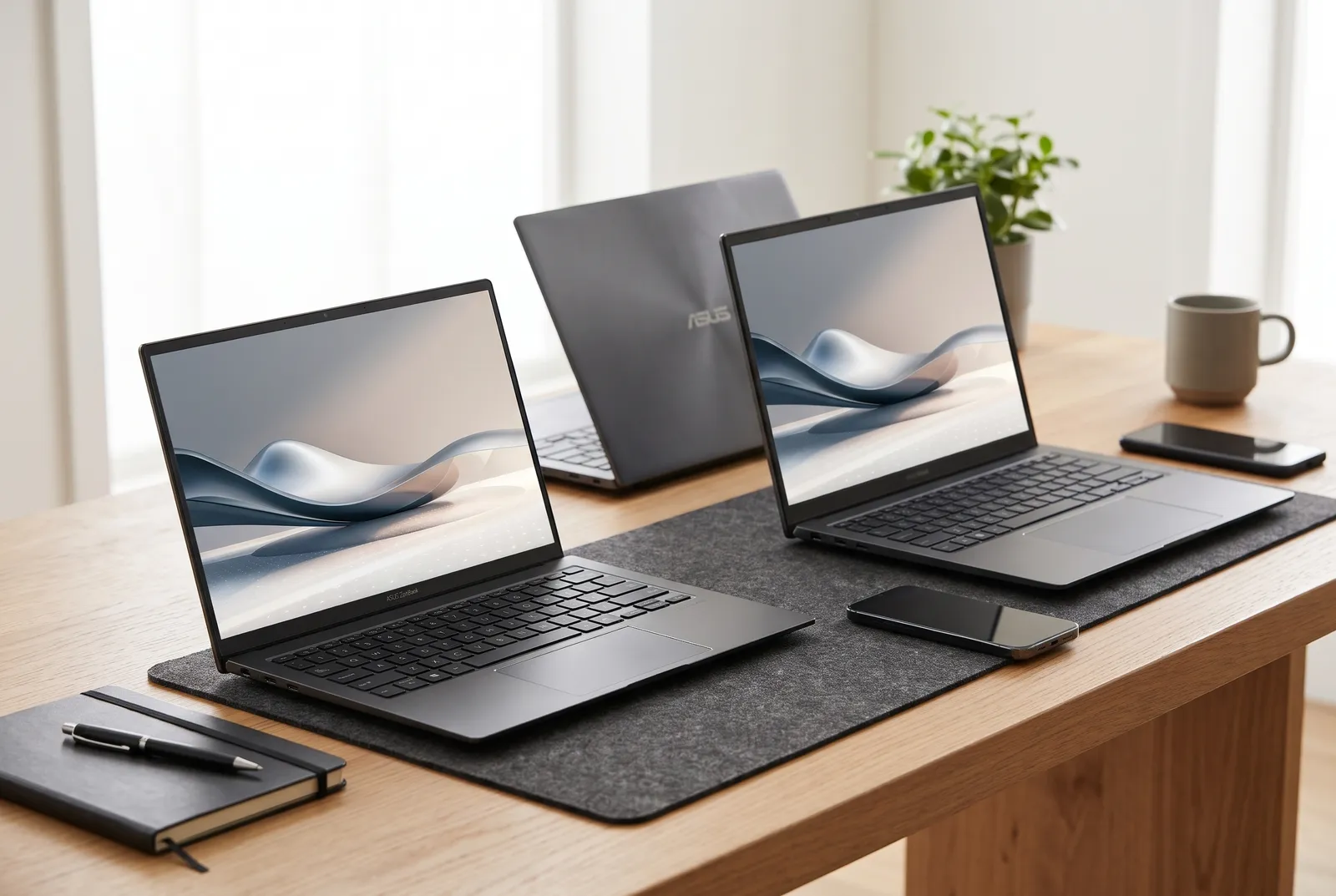
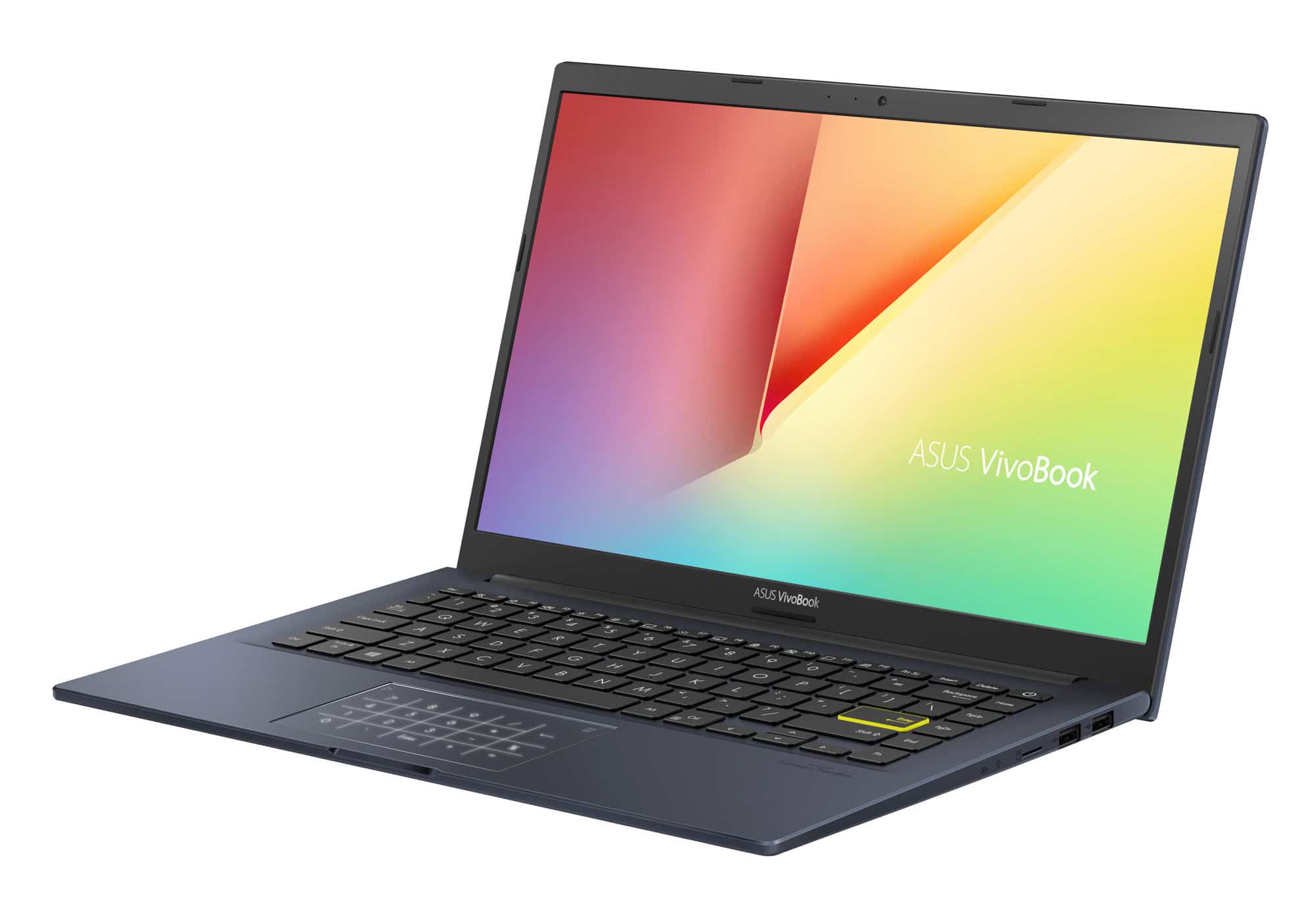


This breakdown helps prevent common buying mistakes. A Zenbook won’t be the right pick for high-definition gaming, and a TUF Gaming isn't meant to spend all day in a travel bag. Before comparing processors, it pays to consider where and how the laptop will actually be used.
For a savvy buyer, three criteria outweigh the rest: display quality, RAM capacity (which is often non-upgradeable, as we'll explain later), and the processor generation. That last factor is where refurbished machines really shine: a previous- or two-generation-old model retains most of the qualities of the latest release, with a significantly lower price tag.
Ultraportables: Zenbook S, Benchmarks for Battery Life
Zenbook S 14: The Endurance Champion
If we had to pick just one Asus ultraportable, it would likely be the Asus Zenbook S 14. In its lab test, Les Numériques recorded 20 hours and 50 minutes of video playback on a 72 Wh battery, thanks to the Intel Core Ultra 7 258V chip (Lunar Lake architecture). All of this comes in a chassis weighing 1.18 kg and measuring 1.2 cm thick.
The screen is another strong selling point: a 14-inch OLED touchscreen at 2880 x 1800 pixels, with a 120 Hz refresh rate and excellent color calibration (measured delta E of 1.5 in the review). The 65W charger remains compact, a welcome detail for frequent travelers. The downside is the glossy panel, which lacks an effective anti-reflective coating and measured nearly 49% reflectance. Outdoors or near a sunny window, visibility noticeably suffers.
Raw performance falls slightly behind architectures with more generous thermal headroom, such as certain recent Ryzen chips or Apple's M3 and M4. For office tasks, media consumption, and light photo editing, however, it remains more than plenty.
Zenbook S 16: The Choice for Bigger Screens and AMD
For those who prefer a larger display or an AMD platform, the Asus Zenbook S 16 takes over. The Les Numériques guide praises the versatility and battery life of the OLED version. It is an excellent compromise for multitasking with multiple windows, light video editing, or simply enjoying a more comfortable workspace without having to carry a bulky gaming laptop.
Zenbook Duo: Dual-Screen Productivity
Long viewed as a gimmick, the dual-screen concept has reached full maturity. The 2026 version of the Asus Zenbook Duo (UX8407AA), reviewed by Les Numériques, pairs two OLED touchscreens with a detachable keyboard. Powered by an Intel Core Ultra X9 388H processor and its integrated Arc B390 graphics, it delivers double the 3D performance of the 2025 generation: the benchmark recorded 63 frames per second in Shadow of the Tomb Raider at 1200p.
Another standout feature is its 99Wh battery, delivering 18 hours and 49 minutes of video playback. Charging is handled via USB-C Thunderbolt 4 at up to 100W. Two caveats, however: the laptop is heavier and bulkier than a standard ultraportable, and it ships without a power adapter due to European harmonization regulations. You will need to budget for a 100W charger separately.
The Zenbook Duo is geared toward multitaskers juggling multiple applications: developers, traders, writers, and content creators. If you need side-by-side document comparison on the go, it has virtually no rival. If lightweight portability is your top priority, the Zenbook S 14 remains a more sensible choice.
Budget: Vivobook S, Accessible OLED
The Asus Vivobook S 14 is the laptop bringing OLED to the masses. According to Les Numériques' analysis published in late 2025, it started around €799, offering a well-calibrated OLED screen, quiet cooling, and an understated chassis. Depending on the sub-variant, some internal upgrade options are available.
The trade-offs are well known: fewer ports, a reflective display, standard SSD speeds, and no Wi-Fi 7 on certain configurations. For a student or remote worker, these are hardly dealbreakers. The Asus Vivobook S 15 adopts the same approach with a larger screen, which is great if the laptop doubles as your primary desktop replacement.
Our advice: this lineup already offers great value when bought new, but it becomes an exceptional deal refurbished. Just be sure to check the exact configuration, as two Vivobooks sharing the same model name can differ in RAM, storage, or port selection.
Gaming and Creation: ROG Zephyrus, TUF, and ProArt
ROG Zephyrus G14: Compact Powerhouse
The Asus ROG Zephyrus G14 perfectly showcases Asus's move upmarket. In its 2025 edition (GA403WR), tested by Frandroid, it combines a Ryzen AI 9 HX 370 with a mobile GeForce RTX 5070 Ti (110W TGP), a 2.8K OLED screen, and 32GB of soldered LPDDR5X RAM. It weighs 1.57 kg, measures 18.3 mm in thickness, and its 73Wh battery lasts 9 to 10 hours during everyday productivity.
The drawback of packing so much power into a small chassis shows under load: surface temperatures can reach 51°C and the fans get loud during intensive gaming sessions. It also commands a steep launch price, making it an ideal candidate for refurbished purchases. A significant discount on a machine with a factory-calibrated OLED screen and an understated unibody chassis drastically shifts the value proposition.
ROG Zephyrus G16: More Screen Real Estate, Same Philosophy
The Asus ROG Zephyrus G16 follows the same philosophy in a 16-inch format. It appeals to gamers and creators who want a larger display without the bulk of traditional gaming laptops. Like its smaller sibling, it is powered by RTX 40 or 50 series GPUs: double-check the graphics card generation in the listing, as the price gap between release years can be substantial.
TUF Gaming A15: Durability First
Compared to the ROG line, TUF Gaming emphasizes durability. The range boasts MIL-STD-certified toughness and frequently keeps RAM and SSD slots accessible—a significant advantage for maintenance and refurbishment alike. The Asus TUF Gaming A15 fits this mold. Illustrating the lineup's design philosophy, Frandroid's review of the TUF Gaming A14 2024 notes a cleaner design than past aggressive aesthetics, a Ryzen and RTX combination, and solid battery life for a gaming rig, offset by an sRGB-capped display and underwhelming speakers.
Note that this review focuses on the 14-inch model: we aren't directly applying it to the A15, whose specs vary by configuration. That said, louder fans and more basic IPS panels compared to ROG laptops are common across the range. For gamers who prioritize raw framerates over display luxury, it delivers outstanding value for the hardware.
ProArt P16: The Creator's Pick
For creative professionals, the configuration available on Reepeat for the Asus ProArt P16 H7606WW stands out: a 16-inch touchscreen, an AMD Ryzen AI 9 processor, 64GB of RAM, and a 2TB SSD. That amount of memory is both rare and invaluable, especially since RAM is now mostly soldered. For video editing, 3D rendering, or large-batch photo processing, getting a fully equipped machine right away is far better than struggling to compensate later.
Common Drawbacks on Asus Laptops
Several caveats recur across models, and it's best to be aware of them before buying:
- Very glossy OLED displays: the panels look stunning indoors, but Asus rarely includes an effective anti-glare coating, as noted in the Zenbook S 14 review.
- Soldered RAM: LPDDR memory is standard on almost all recent Zenbook and ROG laptops. You cannot upgrade RAM later, making it essential to target 16GB or 32GB from day one.
- Missing power adapters: some models, like the Zenbook Duo 2026, ship without a power brick. Factor this cost into your budget, or check what accessories are included with a refurbished unit.
- Concentrated heat in high-performance compact form factors, particularly the ROG Zephyrus series.
New vs. Refurbished: How to Decide?
The right choice comes down to the model. An ultraportable like the Zenbook S 14 makes sense new if you want the absolute latest generation, but a prior model still offers stellar productivity performance. Conversely, ROG Zephyrus laptops, which carry hefty new price tags, are prime targets for refurbished deals. TUF Gaming laptops, being more affordable and easier to maintain, are also natural fits for a second life.
Before finalizing a purchase, keep these checkpoints in mind:
- Confirm the exact configuration (CPU, GPU, RAM, storage), especially on models with soldered memory.
- Inspect the screen condition: look out for scratches, dead pixels, and panel uniformity issues.
- Inquire about battery health, which is critical for an ultraportable chosen for battery life.
- Check for an included charger and verify its wattage (65W or 100W depending on the laptop).
- Verify the warranty provided by the seller as well as the return policy.
On Reepeat, comparing multiple trade-in and resale offers helps you gauge a model's fair market value and avoid overpaying for a standard spec.
Our Selection at a Glance
- Best battery life: Zenbook S 14, for everyday mobility.
- Best versatile large screen: Zenbook S 16, for AMD enthusiasts.
- Best productivity: Zenbook Duo, for advanced multitasking.
- Best budget: Vivobook S 14 and S 15, for accessible OLED.
- Best compact powerhouse: ROG Zephyrus G14 and G16, especially refurbished.
- Best durability: TUF Gaming A15, for accessible, upgradeable gaming.
- Best for creators: ProArt P16, with its maxed-out specs.
Conclusion: Choose by Use Case, Not Just the Spec Sheet
Asus's 2026 lineup is cohesive, but no single laptop fits every user. Zenbooks stand out for battery life and display quality, Vivobooks for price, ROG models for power, and TUF laptops for durability. The smartest approach is to define your primary use case first, then select enough RAM to last several years, since upgrades are rarely an option down the line.
Finally, don't overlook the refurbished market. High-end machines depreciate rapidly when bought new, making prior generations incredibly attractive once refurbished. Compare listings, check battery and screen condition, and you'll easily find an Asus laptop that matches your needs without breaking the bank.
